meta data for this page
Total Launcher Circle Layout: Radial Menus and Fidget Spinner Settings
The Circle Layout introduces unique spatial geometry for organizing graphic objects and app shortcuts into a dynamic radial pattern. Deploying a circular menu adds a distinct, interactive focal point to any advanced homescreen layout, especially when incorporating physics-based behaviors such as a free-spinning fidget dial. Controlling the total number of interaction slots and distribution along the ring creates highly engaging navigational hubs. The subsequent instructions explain how to navigate the general options tab to enable these specialized rotational features.
Unique Options (General)
➡️ See this section to review common dialog options.
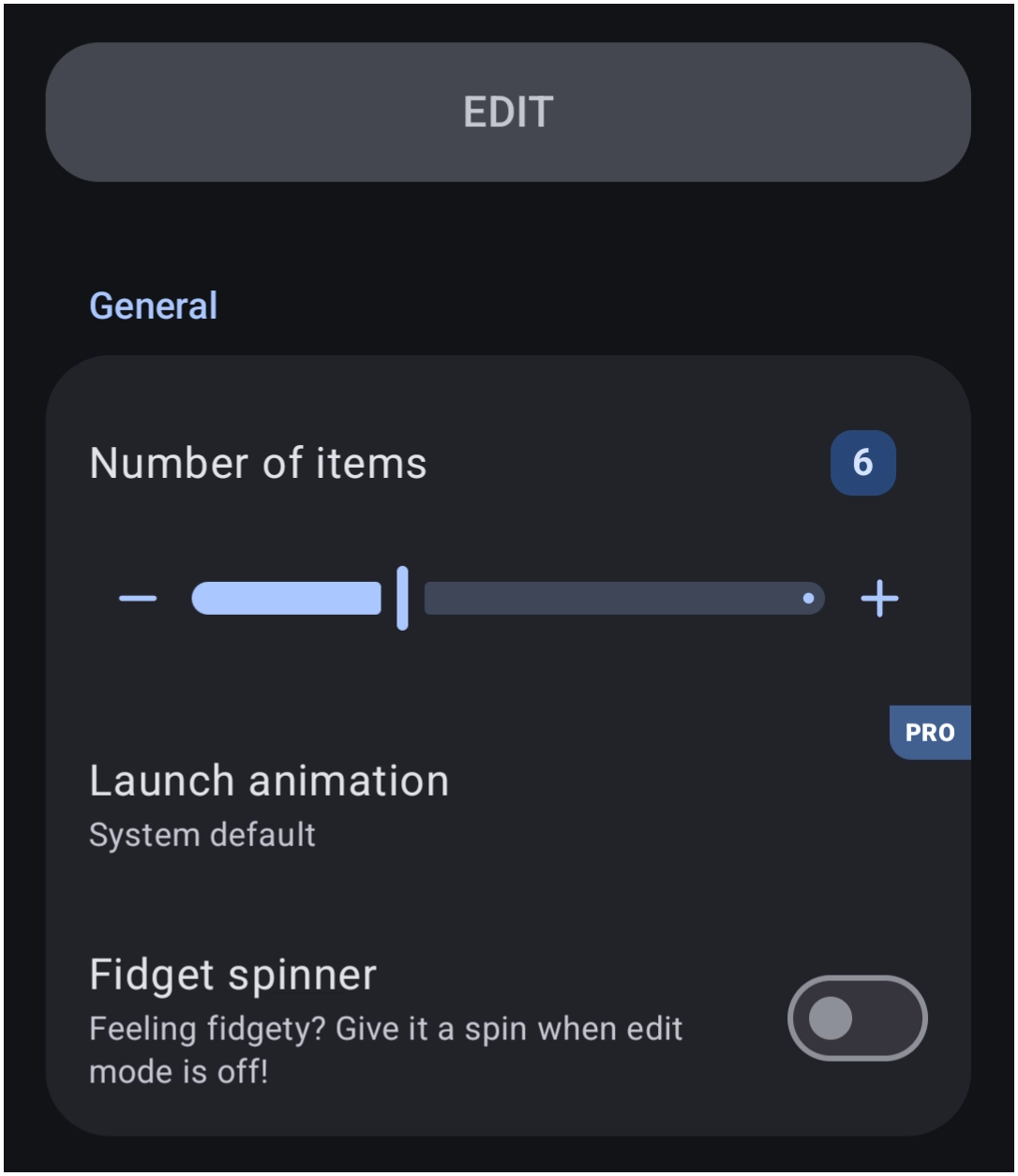
The General Options dialog controls the radial geometry unique to this layout type.
- Number of items: Defines the total number of interaction slots available along the circular path. Items are distributed evenly around the ring.
- Launch animation: Sets the animation triggered upon launching an item. Note that this selection requires the
PROversion upgrade. - Fidget spinner: Enables interactive physics. When this toggle is active, swiping the entire layout causes it to spin freely at variable velocity, anchoring the items in a dynamic, playful radial dial configuration, as shown in this video.

You could leave a comment if you were logged in.