meta data for this page
Translations of this page:
- en
This is an old revision of the document!
robots=noindex,nofollow
Options - Icon
Options - Icon
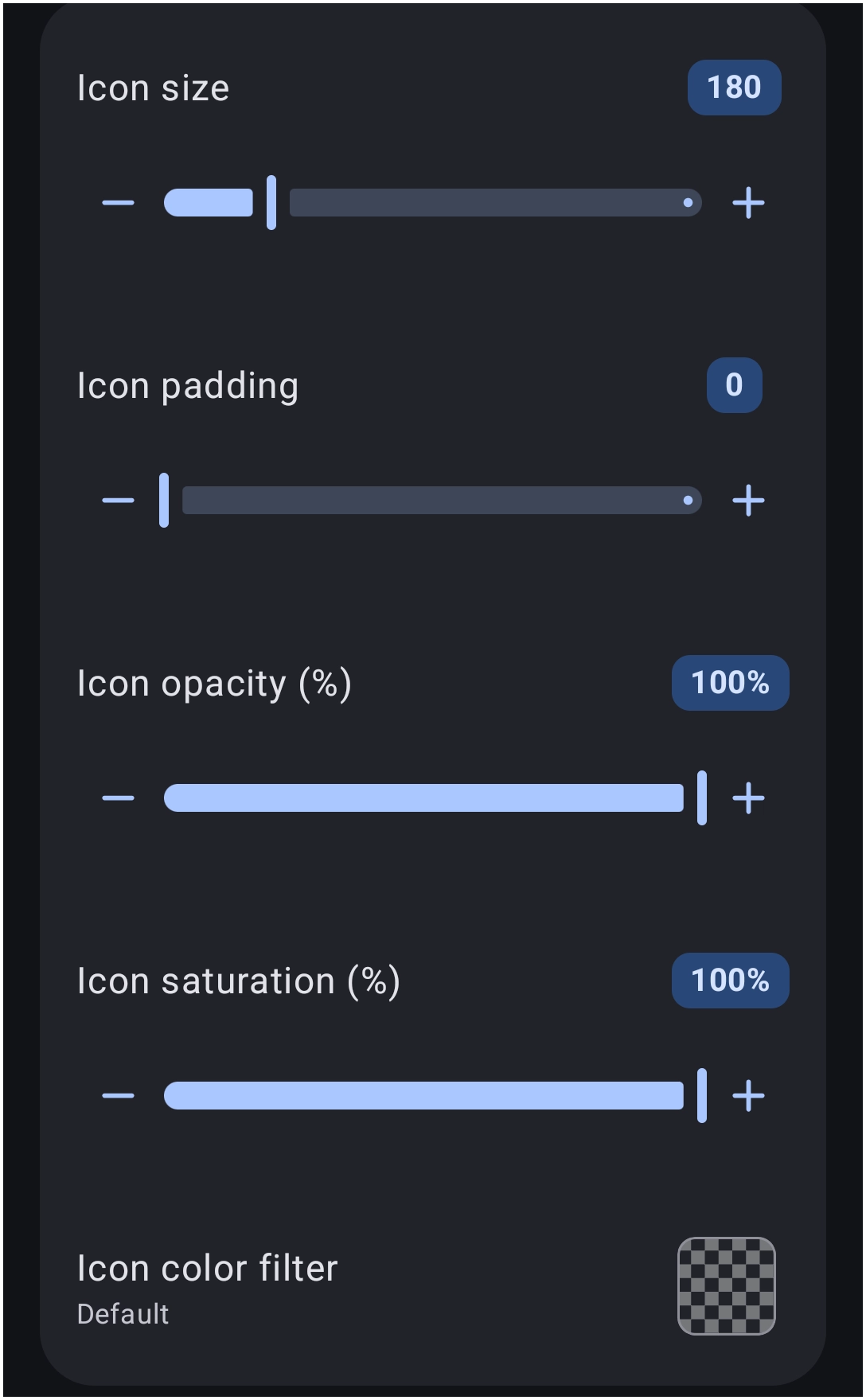
Modify the visual attributes of the icon images contained within the grid.
- Icon size: - Adjust the overall size (scale) of the icons.
- Icon padding: - Modify the internal space surrounding the icons.
- Icon opacity (%): - Adjust the transparency level of the icons, utilizing values such as
100%for solid visibility. - Icon saturation (%): - Modify the color intensity, where
100%represents natural colors and reduced values approach grayscale. - Icon color filter: - Apply a specific color overlay or tint to all icons uniformly.
Discussion