meta data for this page
Translations of this page:
- en
This is an old revision of the document!
robots=noindex,nofollow
Options - Label
Options - Label
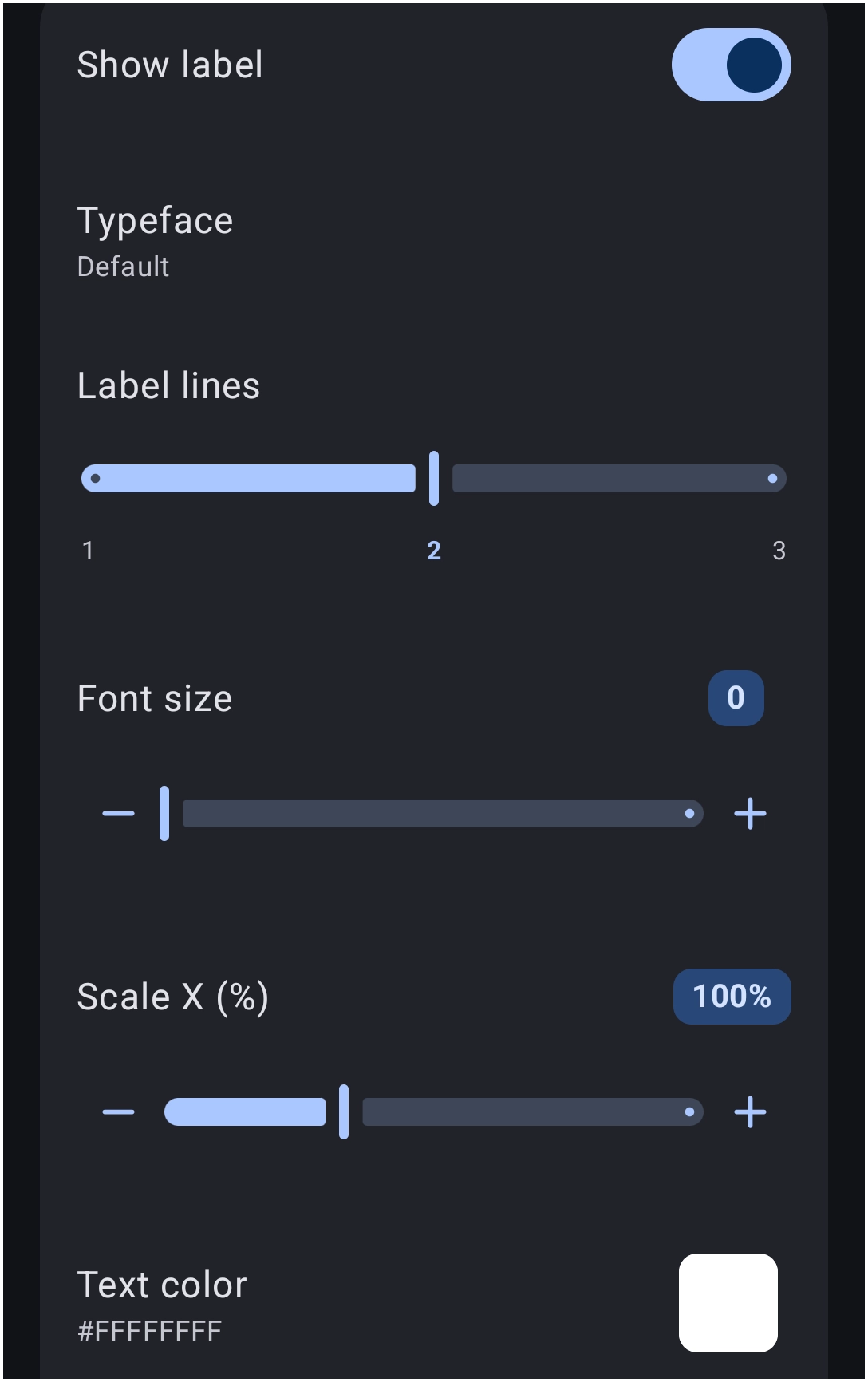
Control the display parameters and typography of the text associated with each grid item.
- Show label: - Toggle the visibility state of the text labels to On or Off.
- Typeface: - Select the specific font family applied to the label text.
- Label lines: - Determine the maximum number of lines permitted for text wrapping, ranging from
1to3. - Font size: - Adjust the structural point size of the label text.
- Scale X (%): - Stretch or compress the text width horizontally.
- Text color: - Define the primary resting color of the text using the Launcher's Color Picker and apply a hexadecimal value such as
#FFFFFFFF.] - Text color (pressed): - Same as
Text colorabove, but changes the text color as the object is 'pressed' or tapped.
Discussion