meta data for this page
About (Total Launcher)
Dialog selections are discussed below the image. To navigate to an item, select it in the About image. If NOT selecting any item and wanting to return to the prior page: swipe right-to-left; use the browser’s ‘back’ arrow; or use the Wiki’s Backlink icon  on the right sidebar (mobile: drop-down dialog at the top of the page).
The About dialog displays developer credits and links to rate the app on Google Play, as well as support resources such as the developer's Blog and tutorials.
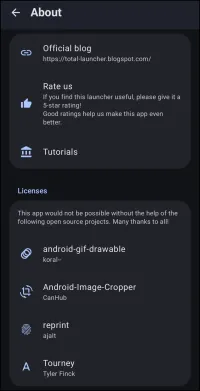
About dialog. Make selection above.
- Official blog: The primary and official Total Launcher site maintained by the developer, ChYK, offering:
- FAQ
- TL Theme FAQ
- Update history
- Used permissions
- Contributors
- Developer theme
- Archive postings
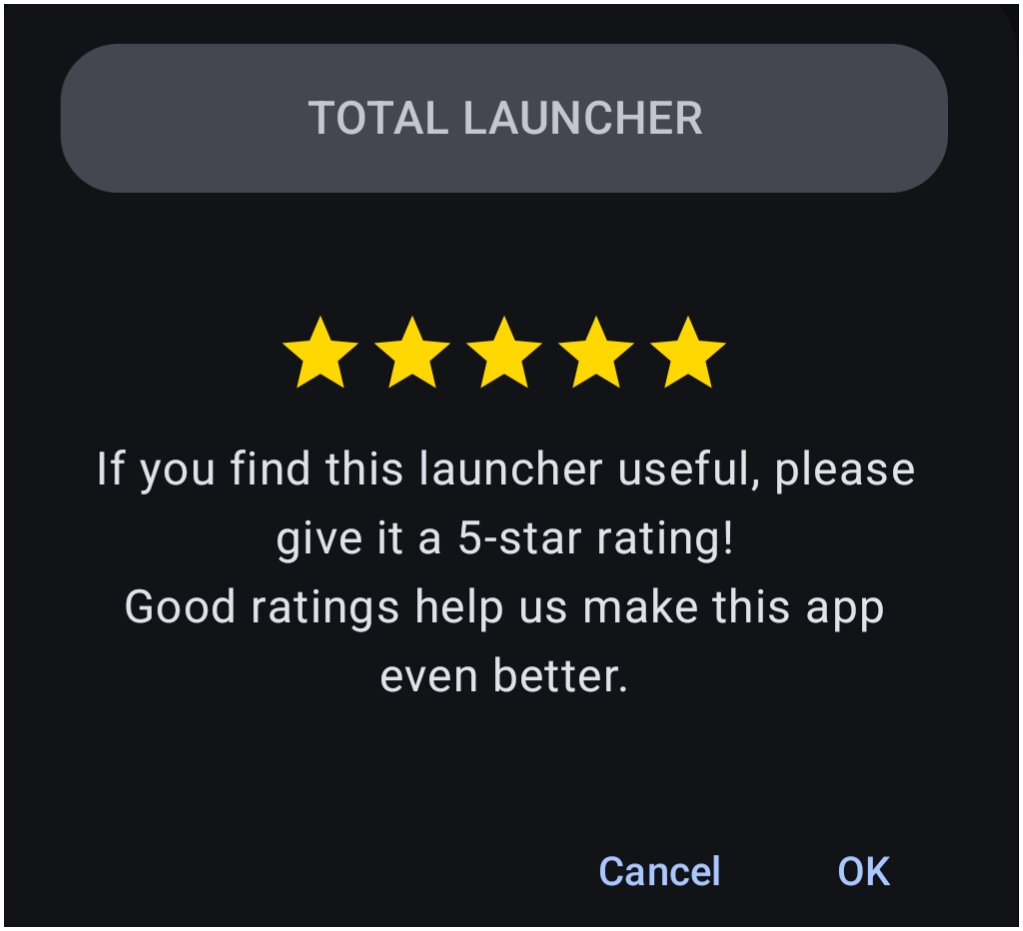
- Rate us: The link in the above image will link to the Total Launcher's Google Play Store site after displaying this notification. After installing the app, there will be an area on the TL store page to “Rate this app”. Consider doing so after the experience.
- Tutorials: The developer offers the following tutorials on the blog at the time of this writing:
- Overview
- Managing pages
- Handling objects
- Customizing objects
- Dynamic text & images
- Sliding drawer
- Window
- Animations of object
- App drawer
- Appliying themes
- Video tutorials
- Supporting software: A developer recognition of supporting software components used for Total Launcher. The image does not link to the repositories (as the app will).
===== Hidden Index Anchors ===== * target_page_1 * target_page_2
You could leave a comment if you were logged in.
Comments & Feedback
Toby Lancer is ready to help! Look for the Quick Help form:
► Desktop: left sidebar located near the bottom for Private to Admin
► Mobile: 3-bar menu at page top.
► Use the Discussion section below to share any experiences and communications with other Total Launcher users.
► Any Registered User can directly update this and any wiki page if desired.
Moderation: To keep the manual clean, all comments are held for appropriateness review. Preview any comment before submitting it. It will not be displayed after submission until it is reviewed. So, please, do not resubmit.
Formatting: If using any code snippets, place them inside code tags (e.g., 'code') using double single quotes (') before and after to keep them readable.
Be Kind: This is a community effort. Please keep feedback constructive and on topic.
~~DISCUSSION~~